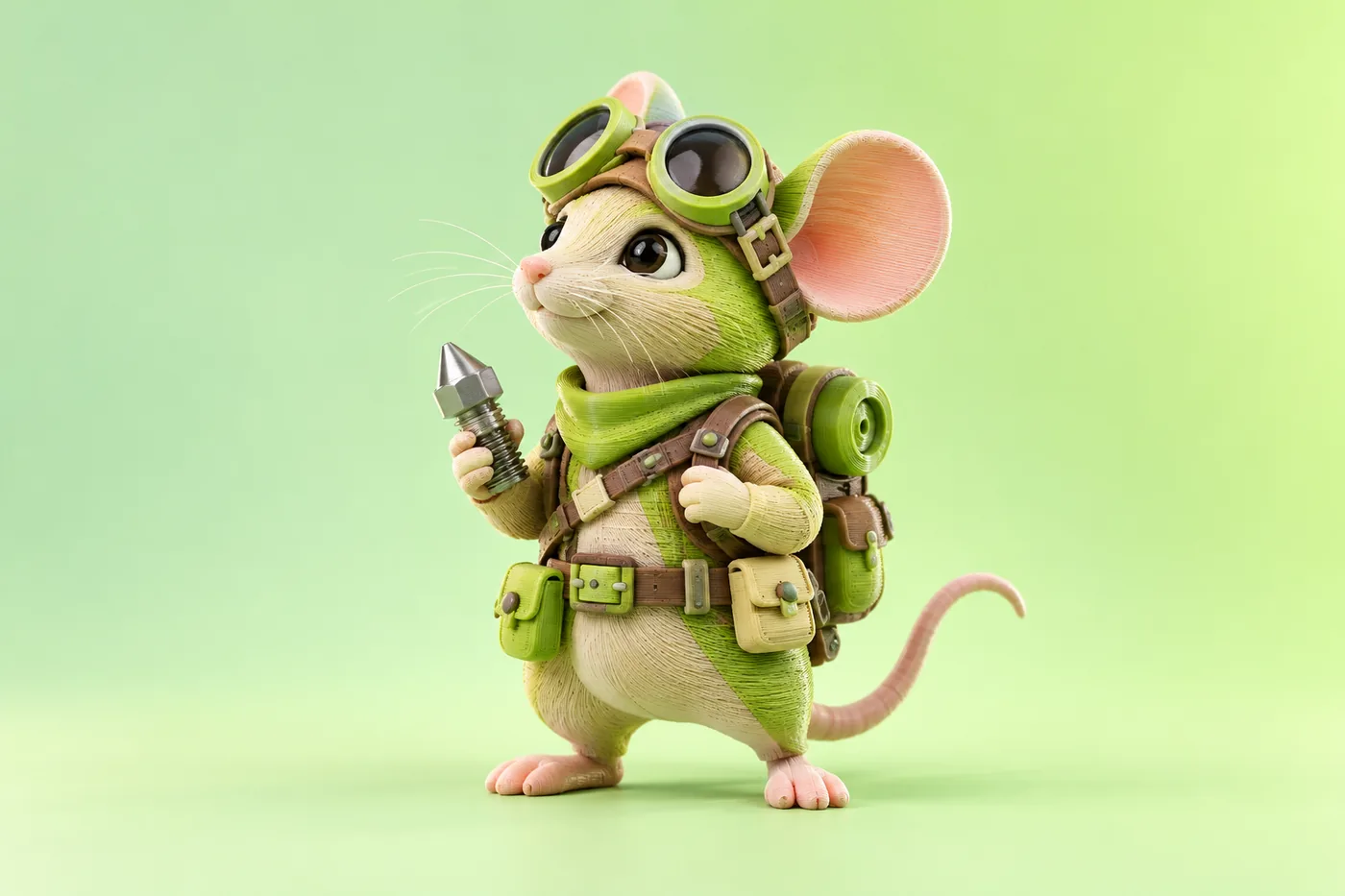
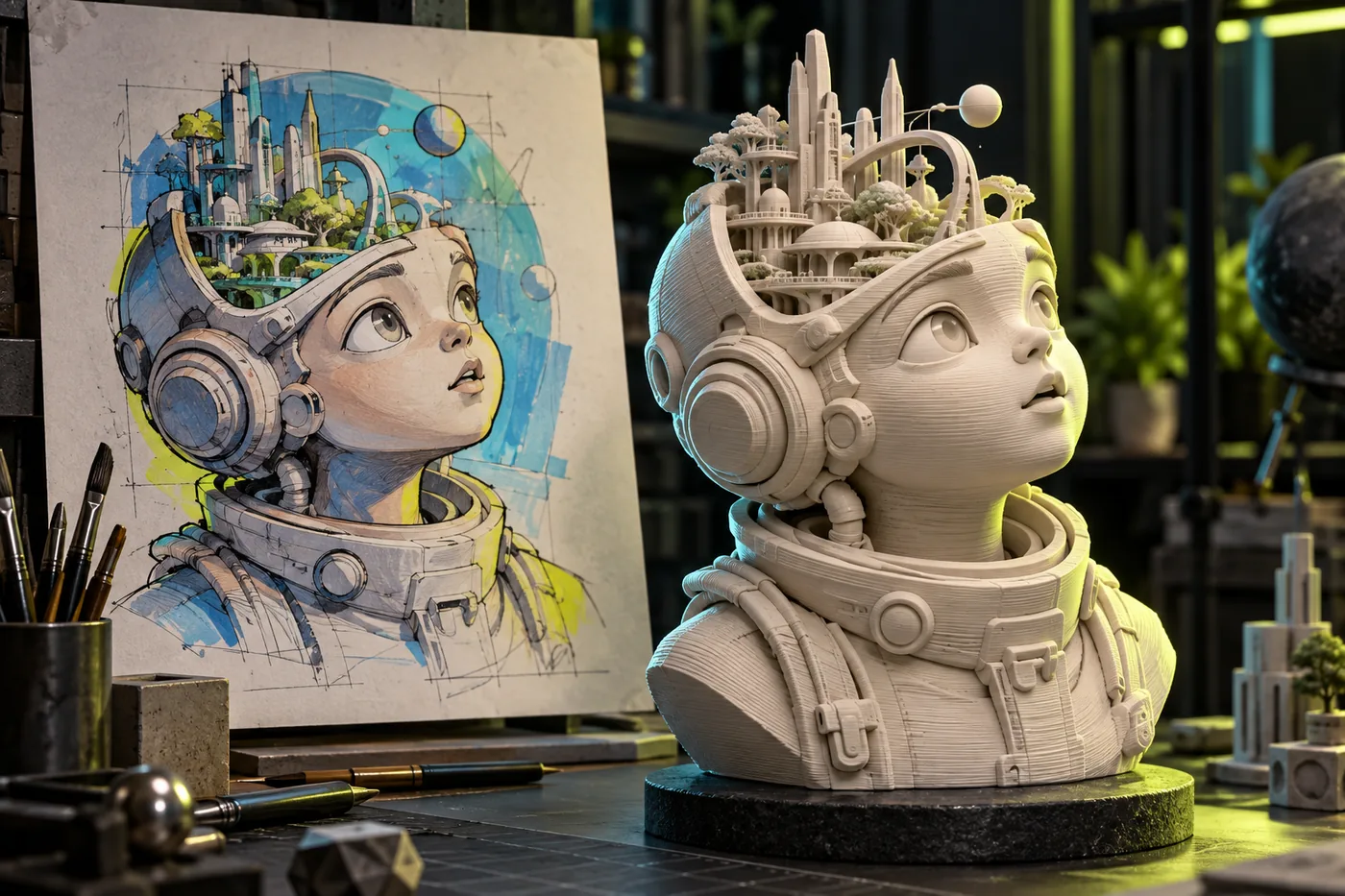
PrintForm 3D models are generated with printing in mind — watertight, manifold, and ready to slice.
Printability
Watertight
Yes
Volume
702.19 cm³
Holes
0
AI AUTO-REPAIR
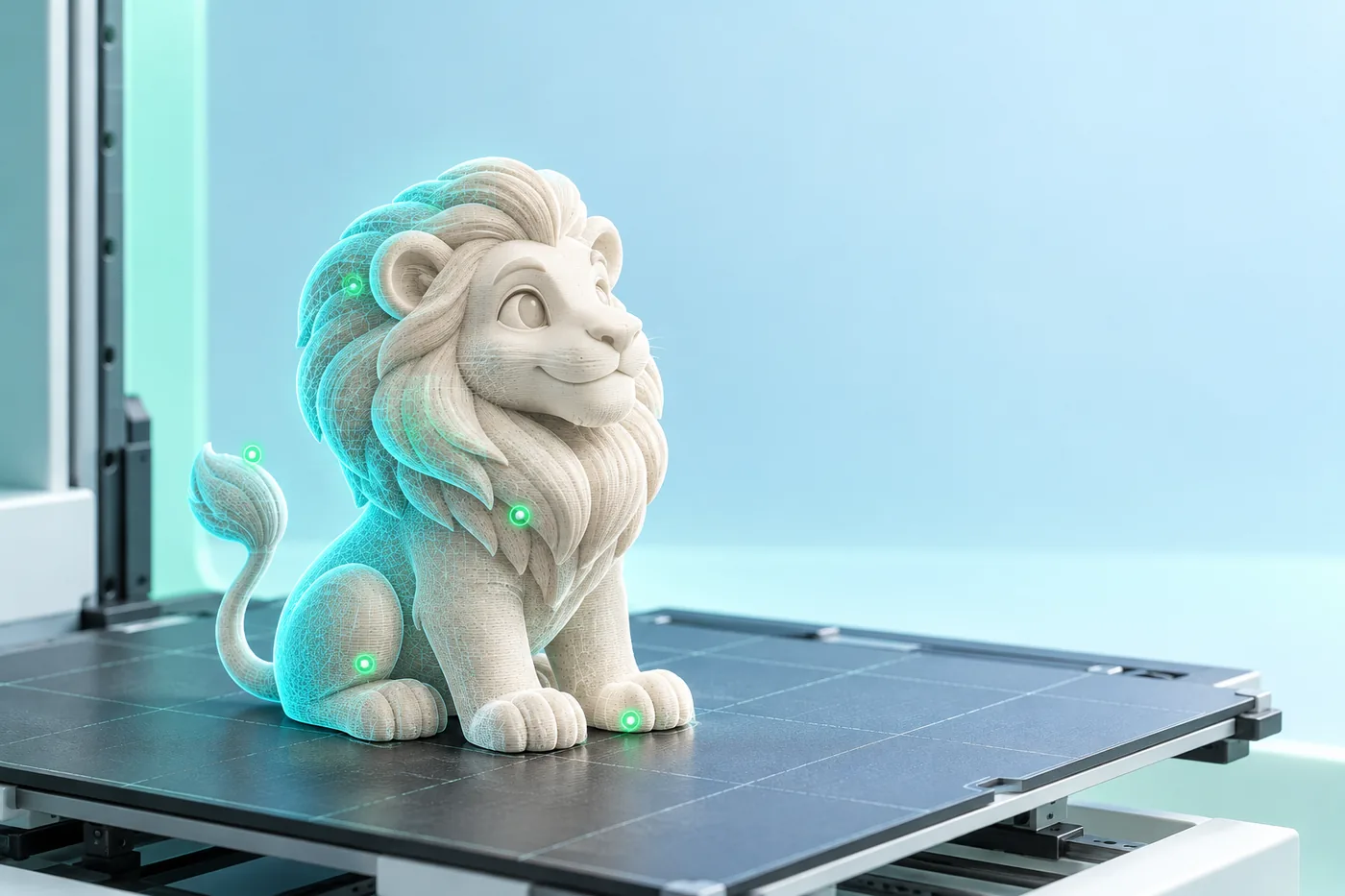
Born Printable, Not Patched
Most AI models need manual cleanup before they'll slice. PrintForm models come out watertight and manifold. A built-in printability check scans every export and repairs edge cases before you slice.
AUTO SPLIT
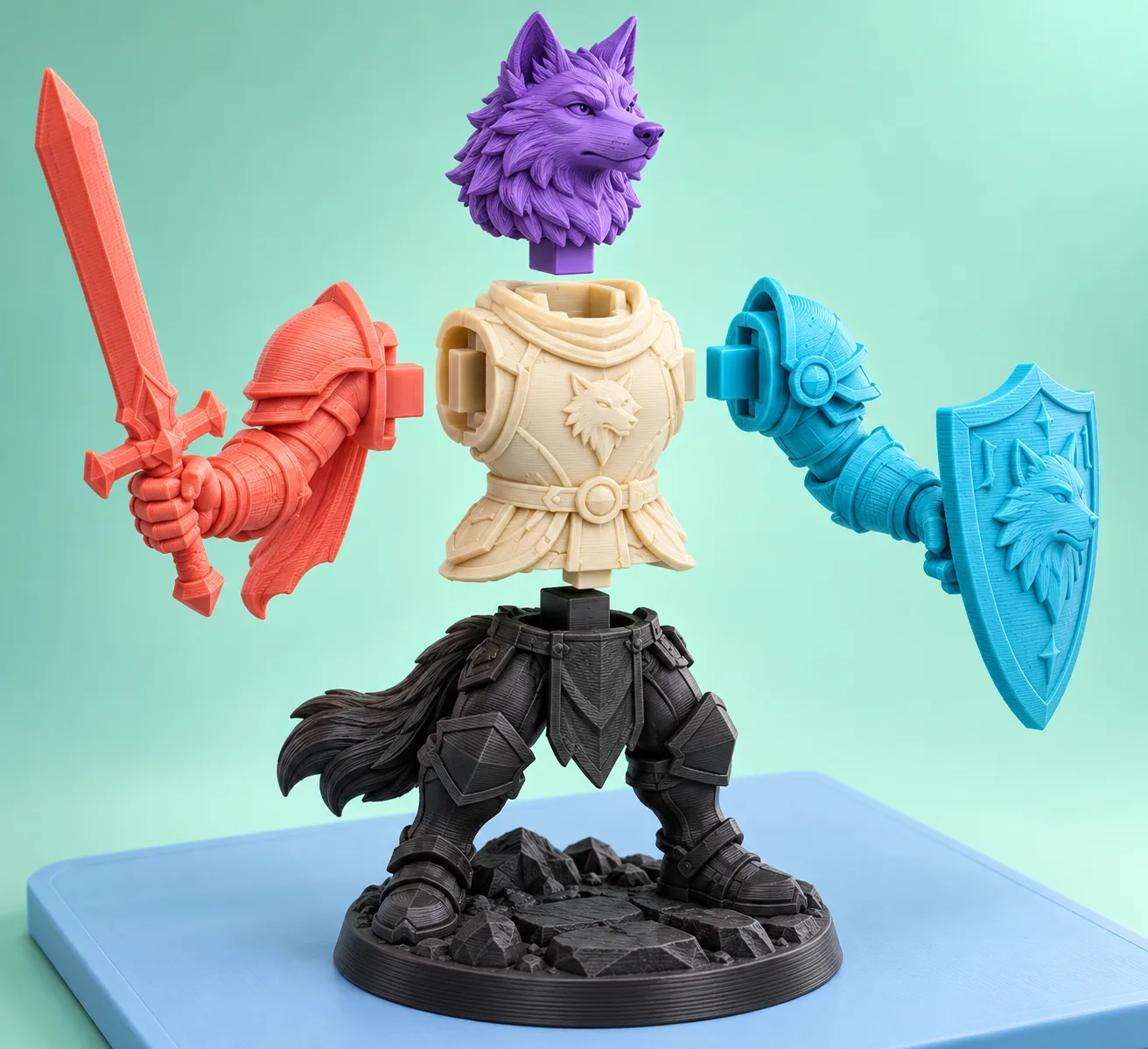
Print in Multi-Color, or Split to Fit
Multi-color printing maps each texture to the right filament, with clean color boundaries. When a model is too complex, auto split breaks it into watertight parts, arranged on the build plate.
Straight to Your Slicer
Export as STL, OBJ, or 3MF, then send models directly to OrcaSlicer, Bambu Studio, and more.
Generate 3D models from text or a reference image, then refine textures and prepare printable parts for slicers such as Bambu Studio, OrcaSlicer and Creality Print.
Are the models ready to 3D print?
+
The workflow is designed around printable geometry: watertight surfaces, manifold checks, automatic repair and multipart splitting for large or multi-color models. Always review supports and tolerances for your own printer.
Which file formats can I export?
+
The product concept supports common 3D formats including STL, OBJ, 3MF, GLB and FBX, with print-focused exports for FDM and resin workflows.
Can I create game-ready assets?
+
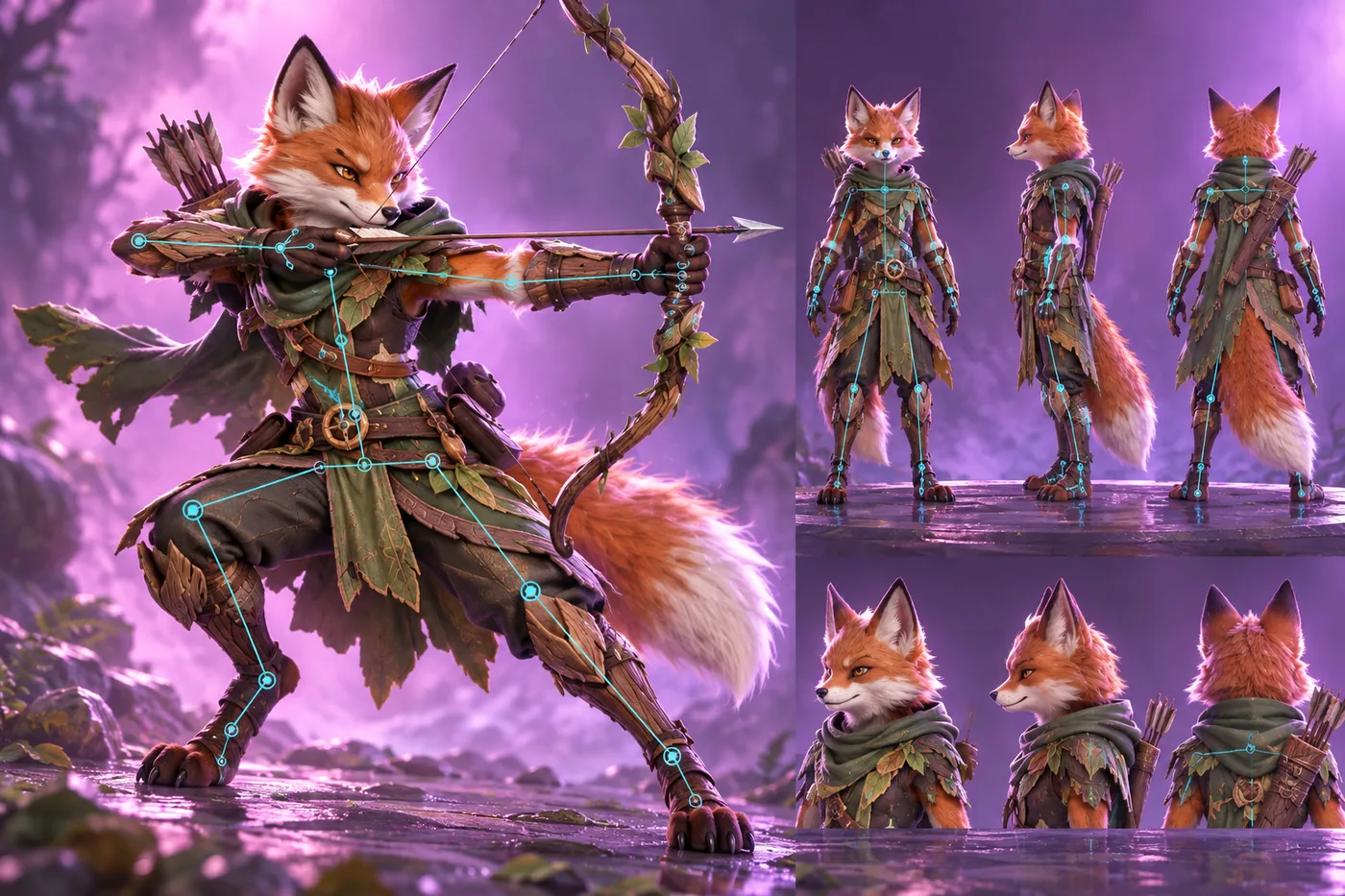
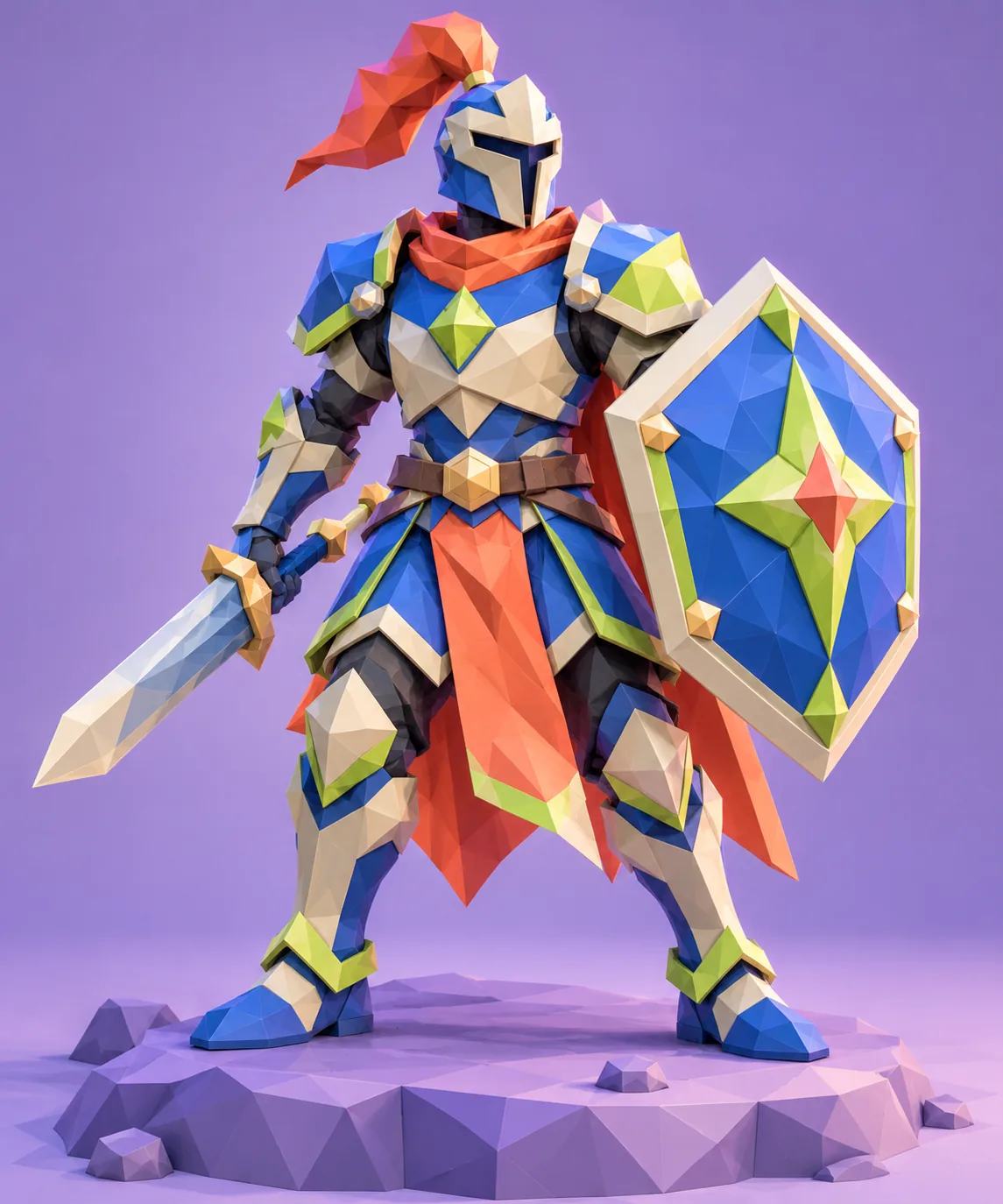
Yes. PrintForm includes image-to-3D, PBR texturing, low-poly generation, auto-rigging and animation workflows for game development and real-time media.
How do subscriptions work?
+
Choose Pro, Premium or Ultra and pay securely through Stripe. Monthly and annual billing are available. There is no Free plan.
Do I need 3D modeling experience?
+
No. Start with a prompt or image, then use the guided checks to review scale, topology and printability before export.
READY WHEN YOU ARE
Start Creating in 3D
Choose a paid plan, describe the part, and make it real.